CRM integration is not simply a technical connection between a website form and a CRM platform. For a UK SME, it should create a reliable path from the first enquiry to ownership, follow-up, reporting and continuous improvement.
A poorly planned integration can move bad data faster, create duplicate records, send alerts to the wrong people and make teams less confident in the CRM. The checklist below helps businesses review the operational process before adding more automation.
1. Map every enquiry source
Start by listing every place where a potential customer can contact the business. This may include website forms, landing pages, campaign pages, email inboxes, live chat, booking tools, phone enquiries, referrals and spreadsheets maintained by individual team members.
For each source, document:
- what information is collected;
- where the enquiry currently goes;
- who should own the next action;
- how quickly a response is expected;
- how the source should be recorded for reporting.
This enquiry-source map becomes the foundation for field mapping, routing and automation.
2. Define clean CRM fields and data mapping
Do not send every form field into the CRM without a clear purpose. Decide which information is genuinely needed for qualification, ownership, follow-up and reporting.
Review field names, formats and allowed values before implementation. Company name, contact details, enquiry type, service interest, lead source, campaign reference, assigned owner and current status should be recorded consistently.
Where several forms collect similar information, use one agreed CRM field structure instead of creating different fields for every campaign or page.
3. Set lead ownership and routing rules
Every new enquiry should have a clear owner. Routing can be based on service interest, territory, existing account relationship, enquiry value, team availability or another practical business rule.
Define what should happen when the usual owner is unavailable, when information is incomplete or when the enquiry does not match an existing category. Exception handling is as important as the main routing rule.
A useful routing design should answer three questions immediately: who owns the enquiry, what action is required and when it is due.
4. Automate follow-up without over-automating
Start with small automations that reduce missed actions. Useful examples include assigning the record, creating a follow-up task, notifying the owner, acknowledging receipt and escalating an enquiry that has not been reviewed within the agreed period.
Avoid building a long automation sequence before the underlying stages and ownership rules are stable. Complex workflows become difficult to maintain when the team does not fully understand why each rule exists.
Automation should remove repeated administration while keeping important customer decisions visible to a person.
5. Plan CRM data migration and duplicate handling
Businesses moving from spreadsheets, inboxes or an older CRM should clean the data before importing it. Review duplicate contacts, inconsistent company names, missing ownership, unused fields, outdated statuses and records that should not be carried into the new process.
Test migration with a controlled sample first. Confirm that field mapping, dates, owners, notes and relationships appear correctly before importing the full dataset.
Also decide how duplicates will be detected after launch. Website forms, manual entry and third-party integrations can otherwise create several versions of the same customer.
6. Define permissions, governance and workflow ownership
CRM governance does not need to become a large policy exercise. A small business still needs clear decisions about who can edit fields, change stages, export data, create automation rules and approve structural changes.
Assign an operational owner for the CRM process and a technical owner for integrations and configuration. Without ownership, fields and workflows often become inconsistent over time.
Document important rules in plain language so that future changes can be reviewed against the original business purpose.
7. Prepare users through onboarding and practical training
A technically correct CRM integration can still fail if users do not understand the process. Training should focus on daily actions rather than platform features alone.
Show the team how enquiries enter the CRM, how ownership is assigned, which fields must be maintained, how follow-up is recorded and where exceptions should be reported.
Use real examples from the business and review early usage after launch. This identifies friction before people return to spreadsheets or private inboxes.
8. Measure whether the integration is working
Choose a small set of operational measures before implementation. These may include:
- enquiries successfully reaching the CRM;
- records assigned to an owner;
- time to first review or response;
- overdue follow-up tasks;
- duplicate-record rate;
- lead-source completeness;
- movement between agreed pipeline stages.
The purpose is not to create a large dashboard immediately. It is to confirm that the integration is improving visibility and helping the team act more consistently.
9. Roll out CRM integration in controlled phases
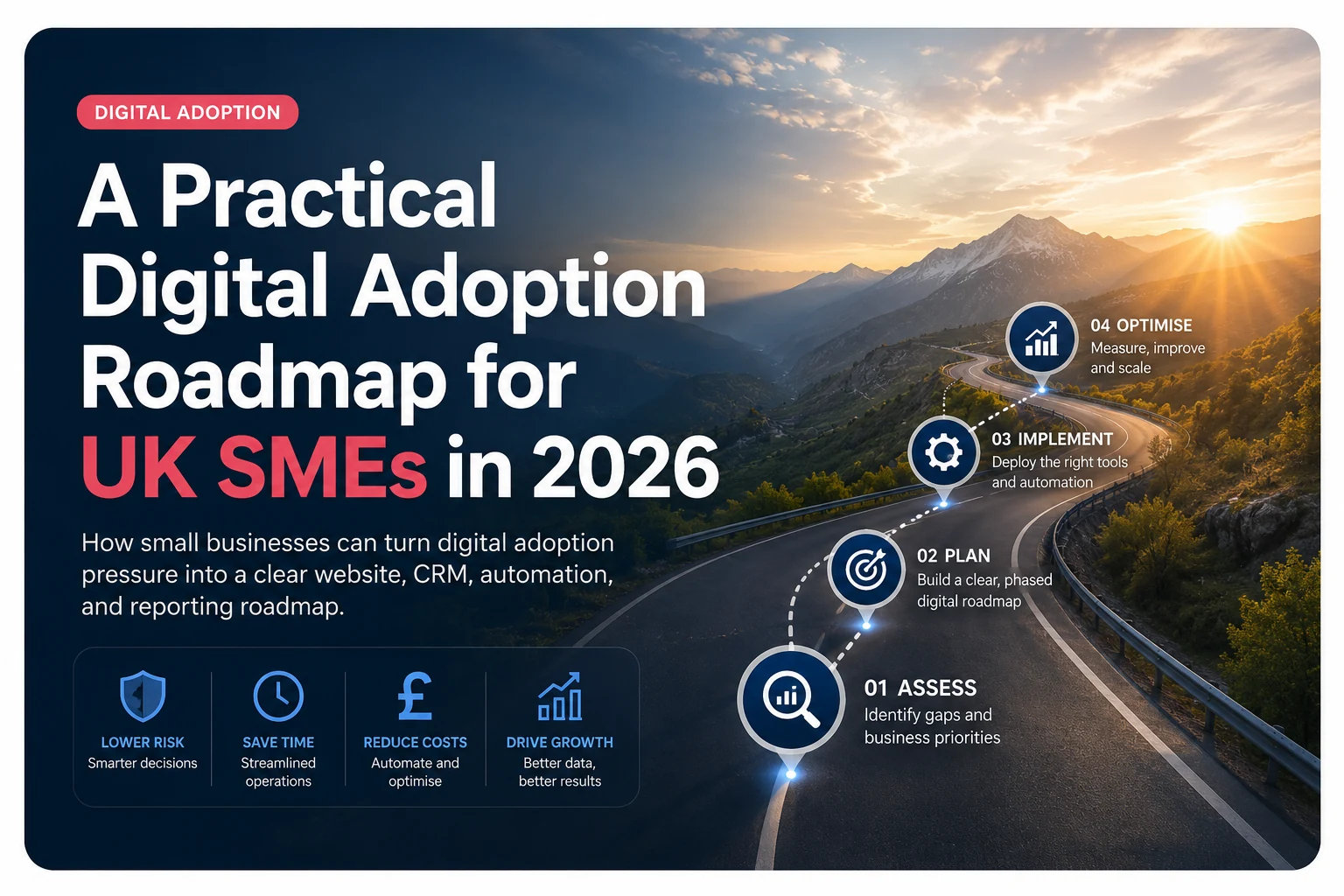
A practical implementation can be divided into four stages:
- Review: audit enquiry sources, current data, ownership and operational problems.
- Map: agree fields, stages, routing rules, notifications and reporting needs.
- Implement: connect approved systems, migrate controlled data, test workflows and train users.
- Improve: review exceptions, adoption, reporting and automation after real enquiries begin moving through the process.
This phased approach reduces disruption and makes it easier to identify whether a problem comes from data, process design, integration behaviour or user adoption.
When external CRM support may be useful
External support can help when website forms are not reaching the CRM reliably, data is spread across several systems, lead ownership remains unclear, integrations require API work or the internal team does not have time to review and improve the workflow.
Primewayz UK provides CRM setup, automation and integration support for UK SMEs, including enquiry capture, lead routing, data migration, workflow cleanup, reporting and controlled ongoing improvement.